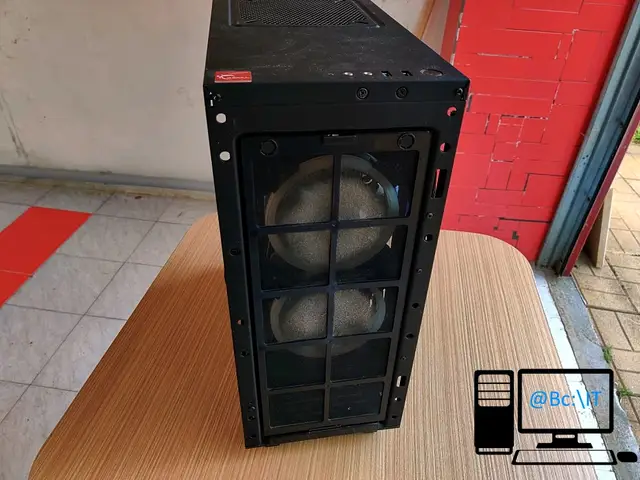
One of the clients we work with used the services of: dust cleaning, component replacement and operating system reinstallation.
The client contacted us because the operating system was “running slowly” and “noises could be heard from inside the case”, and also because he wanted to upgrade the RAM.
We started by cleaning the dust from the system unit, at which point we also discovered the cause of the noise coming from the case. One of the fan blades on the processor cooler was broken. The case and all the components (motherboard, graphics card, power supply, fans) were cleaned of dust with an air blower. The cables were organized better in the case and the unneeded ones were removed. The thermal paste was replaced on the processor, because it had never been replaced since the computer was assembled more than four years ago.
The fan was replaced on the processor cooler, and so was the RAM, with a 2 x 8GB kit from G.Skill.
After reinstalling, updating and optimizing the Microsoft Windows 10 operating system, the following were done
- BIOS settings optimization for gaming
- creating speed profiles for the processor fan and the case fans, to get a balance between performance and noise level
- RAM compatibility testing
- stability test for the whole system.
Some of these can be seen in the photo gallery attached below.