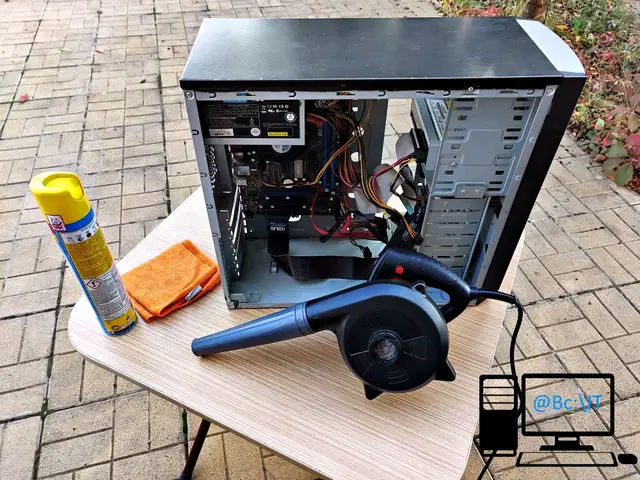
A few weeks ago we were asked for help with cleaning and improving the performance of one of the computers used in an accounting office.
Our intervention started with the dust cleaning service for office computers, which involves:
- cleaning the case
- cleaning the motherboard
- cleaning the power supply
- cleaning the fans and the cables
As you can see in the photos attached in the gallery at the end, for the cleaning we used an air blower, a microfiber cloth and a soft-bristle brush designed for removing dust.
This is a modest system which, after applying the component replacement service, became performant again for office work, through the following improvements:
- increasing the RAM from a standard 2 x 2GB kit to a quality 2 x 4GB kit with a heat spreader
- adding a Solid State Drive (SSD) alongside the existing Hard Disk Drive (HDD), with a new operating system installed on the SSD
- Microsoft Windows 10 Pro with a digital license
Initially the computer ran the operating system from the HDD; after the SSD was added, the HDD became just a document storage drive, while the operating system was installed on the SSD and the files from the previous Windows installation (on the HDD) were moved to the SSD. For this we applied the operating system reinstallation service.
Below you will find a gallery with a few photos taken during the computer cleaning procedure.