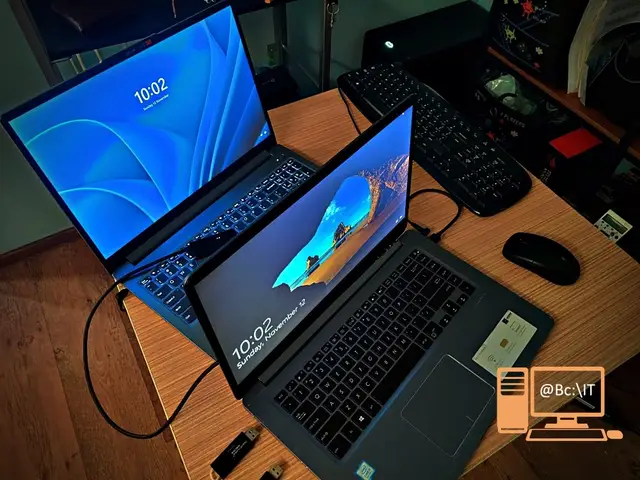
Today we present one of the operations we frequently perform at abc-IT.ro: moving files from one computer to another, a service provided especially for companies.
In the case we present today we had to move the data from an Asus VivoBook laptop to a new Lenovo IdeaPad laptop.
For the new Lenovo IdeaPad laptop we applied the laptop diagnostics service and then Windows installation, in this case Microsoft Windows 11 Professional, and Office installation, version Microsoft Office Professional Plus 2021, both activated with a digital license and in Romanian.
These two laptops are used in a branch belonging to a medium-sized company, and all the files the employee works with had to be moved. For this we applied the data backup service, which in this case meant moving all of the user's Windows data from the folders: Desktop, Downloads, Pictures, Video, and an entire 200 GB partition with more than 45,000 files. To make the employee's switch from one laptop to the other as easy as possible, the new laptop was personalized similarly to the previous one, which also meant exporting the Chrome browser profile along with all the passwords.
After the files were moved off the Asus VivoBook laptop, it received the Windows installation services, in this case Microsoft Windows 10 Professional, and Office installation, version Microsoft Office Professional Plus 2021, both activated with a digital license and in Romanian.
After installing the operating system on both laptops, the following operations were carried out:
- installing all the drivers needed for correct operation
- updating the operating system and the Microsoft Store
- configuring and personalizing the operating system
- installing the necessary programs and uninstalling the useless ones
- running the Disk Cleanup utility
- enabling System Restore and creating a restore point
As usual, at the end of the article you will find an attached photo gallery showing some of the things described in the text above.


